
What Costs Tokens (and What Is Free)
A clear list of what uses tokens on Coloring Magic Art — and what you can do for free before and after you generate coloring pages.
New users often ask the same question: “Will I be charged just for trying the wizard?”
Usually, no. Coloring Magic Art charges tokens when a page image is generated or regenerated — including front covers, back covers, and outline coloring pages. Many steps before and after that are free.
This guide lists both sides so you can plan a book without surprise charges. For package prices and per-model costs, see Understanding Pricing and Tokens or open Pricing directly.
The one-sentence rule
Tokens are spent on generated images. Everything else in the normal book workflow is free.
You are not paying per PDF, per prompt edit, or per visit to the wizard — only when the app actually draws (or redraws) a page. Front covers and back covers count as regular pages for billing: each cover is one image at your chosen model and quality settings.
What costs tokens
Each row below deducts tokens from your balance at the rate for that page's image model and settings (quality, resolution, and so on). Covers use the same rates as coloring pages.
| Action | When it happens |
|---|---|
| Generate a new page image | First run from the wizard, or adding a new page in the editor |
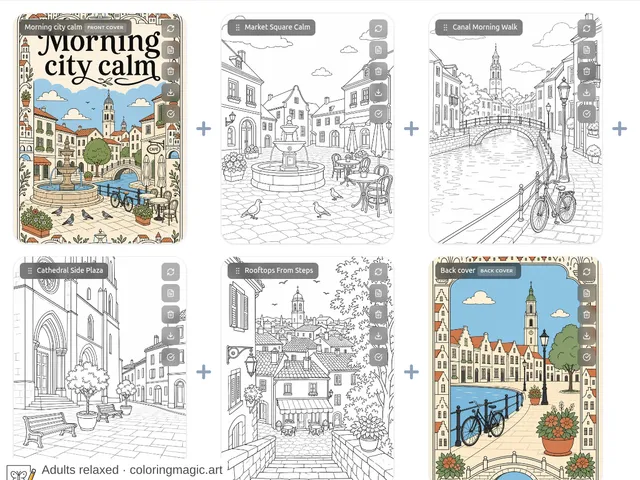
| Generate a front or back cover | Cover options in the wizard, or Add Front Cover / Add Back Cover in the editor — billed like any other page |
| Regenerate one page | You change the prompt or quality and run that page again (covers included) |
| Regenerate all pages | You change model or quality for the whole book and regenerate the set (covers included) |
| Reference image surcharge | Each attached photo or character sheet adds extra tokens per generated page (on GPT Image 2, 3 extra tokens per reference). See the table on Pricing |
Every attempt is charged separately. If you generate a page at Low quality (2 tokens on GPT Image 2), then regenerate it at High (42 tokens), you pay for both runs — 44 tokens total for that page. The same math applies to each cover. If that page also has one reference image attached, add 3 tokens on GPT Image 2 for each run.
Tokens are deducted when generation starts, not when you download the PDF later.
A four-page book with both covers enabled generates six images (front cover + four pages + back cover). Turning covers on in the wizard and drafting cover prompts remain free until you click Generate. See How to Add Front and Back Covers for the full cover workflow.
What does not cost tokens
These steps are part of the normal workflow and do not use your balance:
| Free action | Why it matters |
|---|---|
| Describing your book in the wizard | You can write and rewrite the brief at no cost |
| Choosing page count, layout, age range, model, and quality | Settings are free to change before you generate |
| Wizard-drafted page prompts | The text model writes page titles, scene descriptions, and cover prompts without charging tokens |
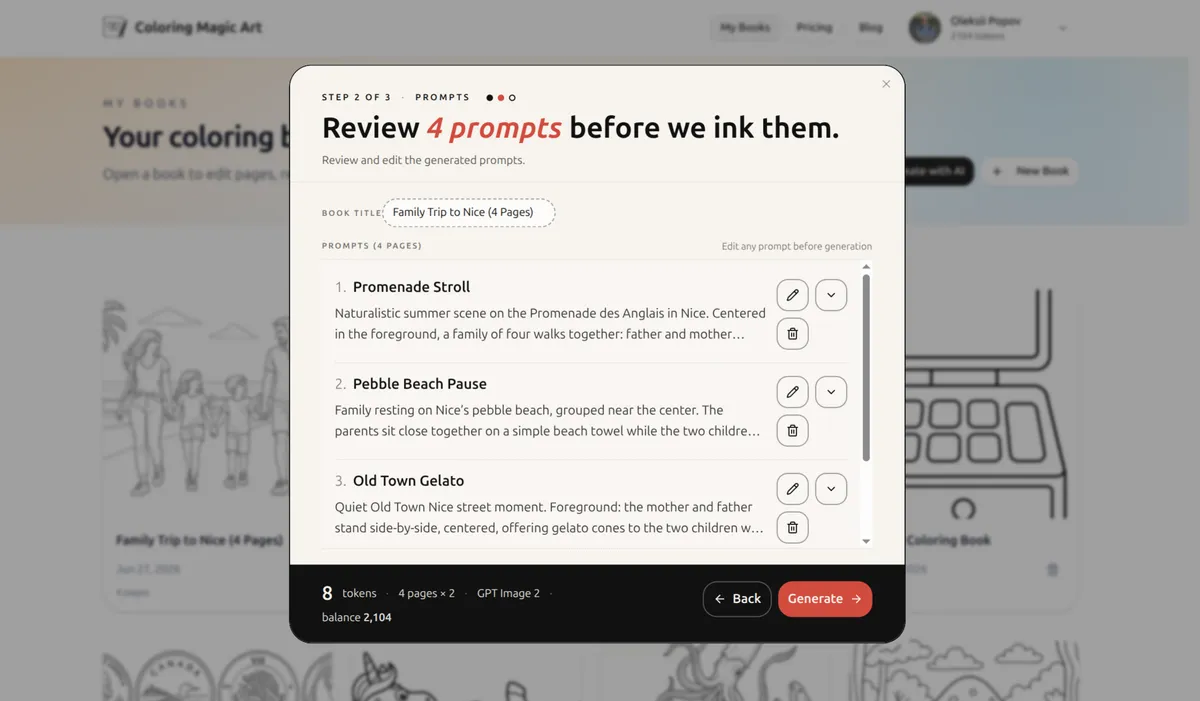
| Editing, adding, or removing prompts in Step 3 | Fix wording before any images exist — including cover fields |
| Reviewing the full prompt list | Read every page (and cover) before you click Generate |
| Uploading reference images | Attaching photos or character sheets is free; the surcharge applies only when a page image is generated |
| Downloading your finished PDF | Assembly and export are included |
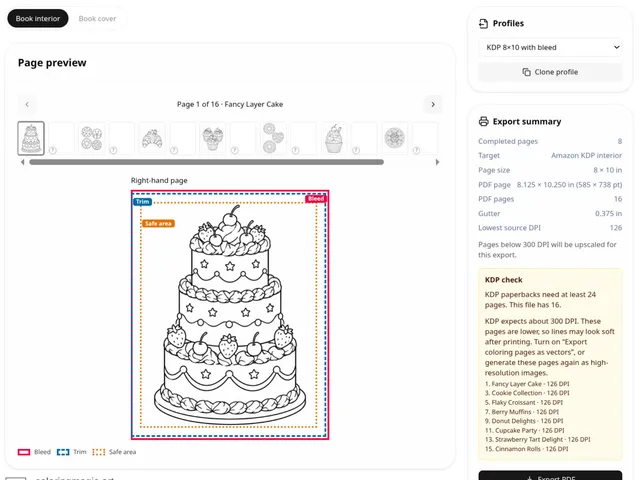
| Exporting a printing profile, including Amazon KDP | Changes the PDF only — see printing profiles |
| Browsing weekly sample PDFs | No account required; preview line quality anytime |
| Opening projects and reading existing prompts | Viewing does not regenerate images |
The practical takeaway: do your thinking in the wizard. Small edits in Step 3 are much cheaper than regenerating images you already paid for.
A typical first book — what you would pay for
Here is the Nice four-page family trip workflow with GPT Image 2:
| Step | Costs tokens? |
|---|---|
| Open Create with AI and describe the trip | No |
| Set layout, age range, Low quality | No |
| Read and tweak four page prompts | No |
| Click Generate — four images at Low | Yes — 4 × 2 = 8 tokens |
| Regenerate four pages at High for print | Yes — 4 × 42 = 168 tokens |
| Download the PDF | No |
8 tokens bought you a full draft to judge scenes. 168 tokens bought the print-ready version. Prompt work in between cost nothing.
Free ways to preview before you buy tokens
You do not need a token balance to judge whether the style fits your needs:
- Weekly samples — real PDFs by age group on the homepage.
- Read blog prompt articles — copy a theme, then paste it into your own book later.
- Walk through the wizard — you can stop before Generate and see how prompts are drafted.
When you are ready to create your own images, buy a package on Pricing.
What is not “free” but also not a separate fee
- Account registration — free; tokens are only needed for image generation.
- PDF printing at home — your paper and ink, not a site charge.
- Creative retries — if a page generates successfully but you dislike the pose or background, regenerating is normal — and it uses tokens like any new generation. See Automatic Token Refunds for the case where generation fails on our side.
Quick checklist before you click Generate
- Age range matches who will color the page
- Quality is set where you want for this pass (Low for tests, Higher for print)
- You read every page prompt in Step 3 (covers included, if enabled)
- You know the per-page cost for your model and settings on Pricing — covers cost the same as pages, and attached reference images add a per-image surcharge
Related guides
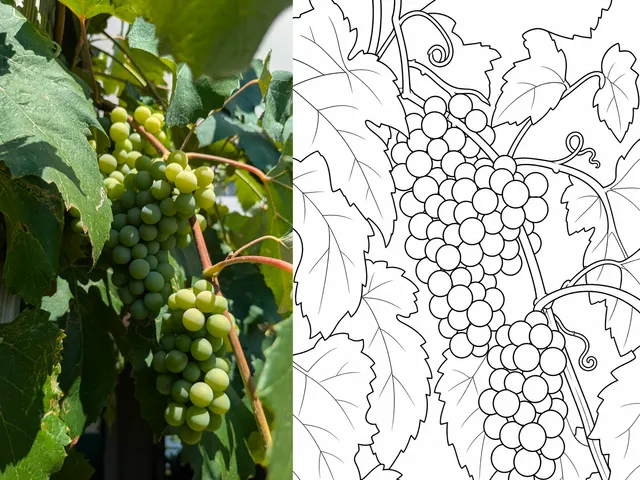
- Turn Photos Into Coloring Pages
- Keep Characters Consistent Across Coloring Pages
- How to Add Front and Back Covers to a Coloring Book
- Understanding Pricing and Tokens — packages and typical costs
- Automatic Token Refunds on Failed Generations
- Track Token Usage in Account History
- Printing Profiles for an Amazon KDP Interior
Ready to make your own?
Open the editor and adapt the prompt for your next coloring book page.
You might also like
More articles with overlapping topics.