MCP server for coloring books
Connect Cursor, Claude, or any other MCP client to Coloring Magic Art. Create coloring books, generate pages, and export a PDF from the chat.

Connect Cursor, Claude, or any other MCP client to Coloring Magic Art. Create coloring books, generate pages, and export a PDF from the chat.
Server URL
Point the client at this Streamable HTTP endpoint. Coloring Magic Art has one MCP URL.
https://coloringmagic.art/mcp
Registry name: art.coloringmagic/coloring-magic-art
Sign in
Sign in on Coloring Magic Art with Google or email. The client opens a browser, you approve access, and it keeps the token. You can also create a personal access token on Connected apps.
Tools
These tools come from the live registry. Names and descriptions stay in English.
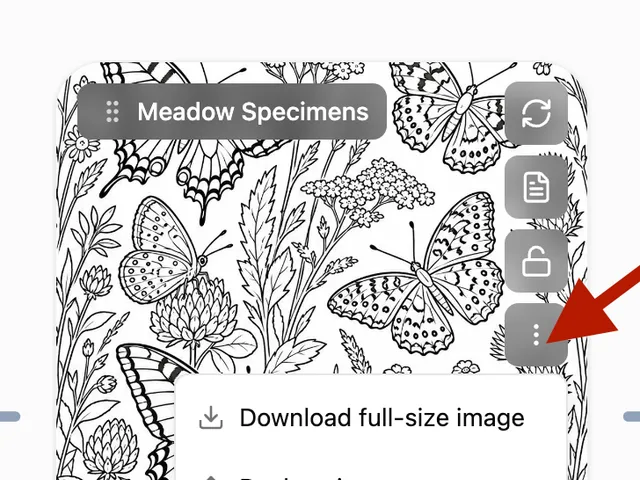
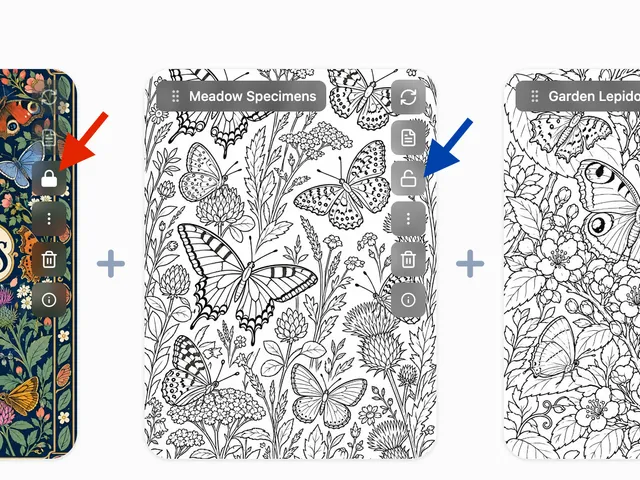
books— Coloring books. List, get, create, update, copy, or delete the signed-in user's coloring books. A book holds up to 100 pages. Create accepts up to 50 coloring pages plus an optional front cover and back cover. create stores pageLayout; layout is an alias. create with startGeneration requires confirmToken from a plan quote. Pass the quote locked object. status is the stored book status. activity is generating while any page is generating. Image generation spends the website token balance. Purchases happen at /pricing; this tool never takes payment.pages— Pages and references. Add, update, remove, reorder, clone, or set page locks and manage reference images. A book holds up to 100 pages. One add accepts up to 50 coloring pages, plus an optional front cover and back cover. startGeneration queues the pages just added and requires confirmToken from a generate quote in append mode for those pages and covers. clone copies one coloring page, including an uploaded image, onto a new object key. Cover pages cannot be cloned, pages with generation in progress cannot be cloned, and clone refuses when the book is already full. set_page_locks toggles locked on one or more page ids (locked pages skip batch regenerate and block prompt edits, image replace, and page reference changes until unlocked). upload_image and add_refs accept imageUrl or base64. add_refs, remove_ref, and reorder_refs take an optional pageId; when set they edit that page's reference images (max 3), and book images are sent before page images. Image generation spends the website token balance. Purchases happen at /pricing; this tool never takes payment.generate— Generate images. options lists models, age ranges, and layouts. quote returns the price, matchNote, and locked without spending. The plan branch of the schema is the field list; title and locale belong on books create. Pass locked and confirmToken to books create. Omit imageModelId to use account defaultImageModelId. Show the summary and wait for the user to accept it. start spends tokens and requires the matching confirmToken. A pageId start uses the quoted age, layout, and model. Book-wide settings belong on books update. status with bookId returns pages[].status and ready. On 402, tell the user to open /pricing. Image generation spends the website token balance. Purchases happen at /pricing; this tool never takes payment.prompts— Prompts. Draft or improve coloring-page and cover prompts (batch, inspire, improve, covers, analyze, sync). One batch is 1–50 coloring pages; covers are separate calls. Does not spend image tokens.export— Export. Generate a raster PDF, vector PDF, or images ZIP and return a signed download URL.account— Account. get returns balance, pricingUrl, and defaultImageModelId (the model a quote uses when imageModelId is omitted). settings.defaultImageModelId is only a saved override and is null when that default applies. billing returns usage, orders, and invoices. update_settings changes defaults. Buy tokens at /pricing. Image generation spends the website token balance. Purchases happen at /pricing; this tool never takes payment.
Add the server
The name in each snippet is only the client's local label.
Cursor
{
  "mcpServers": {
    "coloring-magic": {
      "url": "https://coloringmagic.art/mcp"
    }
  }
}
Claude
{
  "mcpServers": {
    "coloring-magic": {
      "url": "https://coloringmagic.art/mcp"
    }
  }
}
Other MCP clients
{
  "type": "streamable-http",
  "url": "https://coloringmagic.art/mcp"
}
Use Streamable HTTP and the server URL. When the client asks you to sign in, use your Coloring Magic Art account.
Tokens
Generating images spends tokens. Buy them on the pricing page. Coloring Magic Art never takes a card in MCP and never starts checkout.
Terms and privacy
Use of Coloring Magic Art, including this MCP server, follows the terms and the privacy policy.
You might also like
More articles with overlapping topics.