
Many pages from one topic
Describe dinosaurs for a birthday, a farm visit, or a quiet mandala set. The wizard drafts every page so the book stays on theme.
AI coloring book generator
Type your idea and get coloring pages. Attach reference photos and generate a personalized book with consistent story character, mascot, or brand figure — then download a print-ready PDF.
Preview the quality first — browse our weekly sample downloads, then create your own set.
A real project, from start to finish
See an example of how one photo of the Austrian Alps becomes the shared background for four adult coloring scenes.
Start with the story you want to tell. For Alpine Rest, we asked for a family weekend in the Alps across four horizontal pages for adults.
4 pages · Horizontal · Adult (Relaxed)
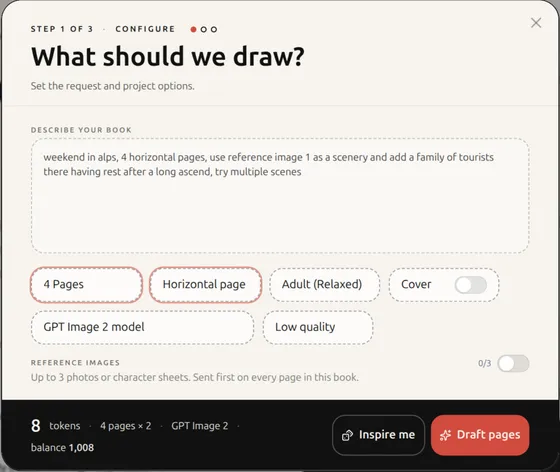
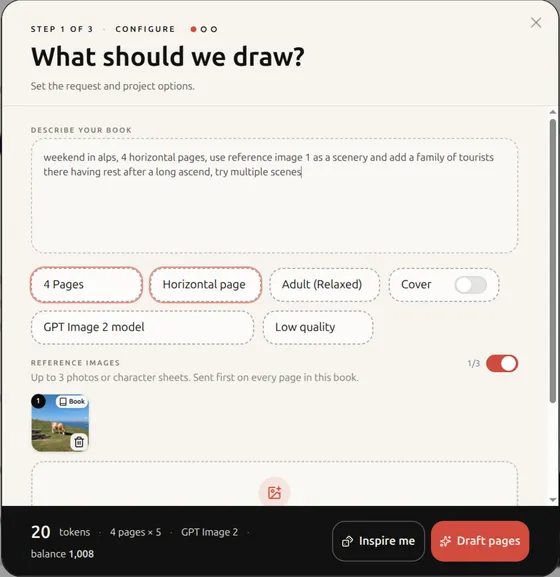
Add one reference photo and use it as scenery. The grassy ridge with a cow, distant peaks, and alpine atmosphere now carry through the whole book.
1 reference · Sent with every page
Coloring Magic turns the brief into a page-by-page plan. Edit the title or any scene before committing tokens to image generation.
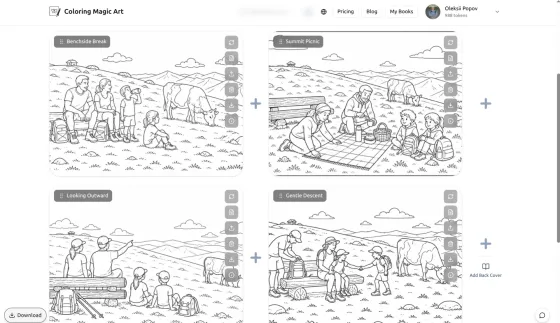
Benchside Break · Summit Picnic · Looking Outward · Gentle Descent
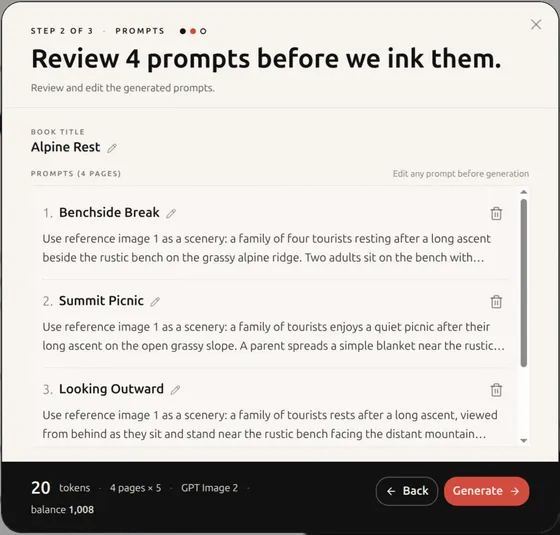
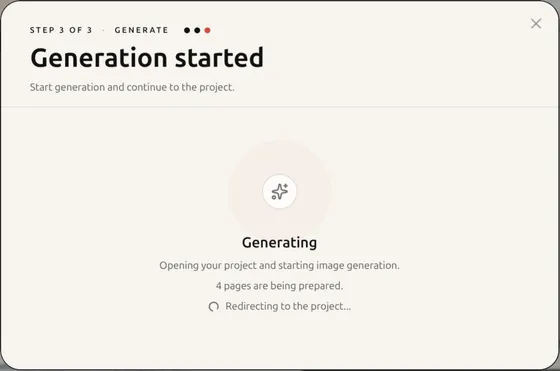
Approve the prompts once, then the four pages are prepared together and opened as one editable project.
One project · Four coordinated scenes
The finished pages share the reference landscape and a consistent line-art style. Regenerate, reorder, add covers, or download the printable result.
Consistent scenery · Print-ready pages
What you can make
This is a step-by-step book wizard to draft and create many coloring sheets at once. Start from a topic seed, a personal photo, or a character sheet, then export images separately or as a PDF book (high-resolution available).
Describe dinosaurs for a birthday, a farm visit, or a quiet mandala set. The wizard drafts every page so the book stays on theme.
Attach a photo as a reference image. The AI draws printable line art of the same subject — simplify the background, empty it, or restage the scene.
Attach a character sheet once. The same face and markings stay on every page while scenes, outfits, or friends change — for story books, classroom mascots, or small-business coloring pages.
Weekly Samples
Fresh sample books by age group. Download an example PDF and see the line quality for yourself — free, no account required.
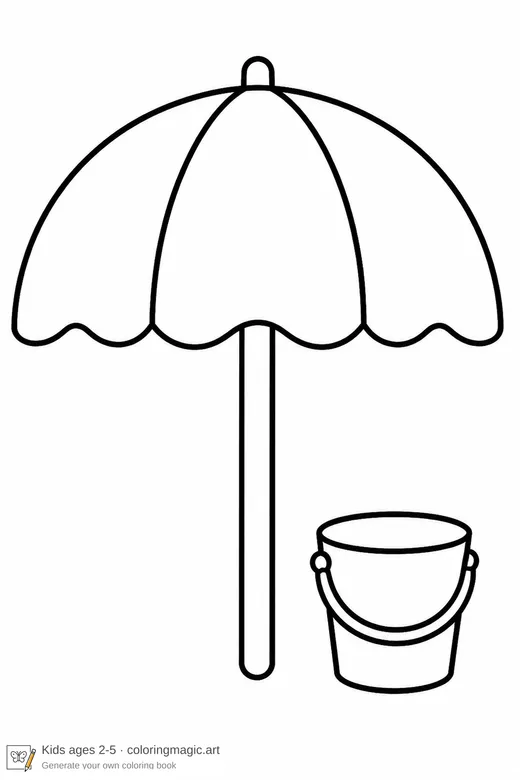
Big shapes, bold lines — perfect for tiny hands.
Download PDF Opens in new tab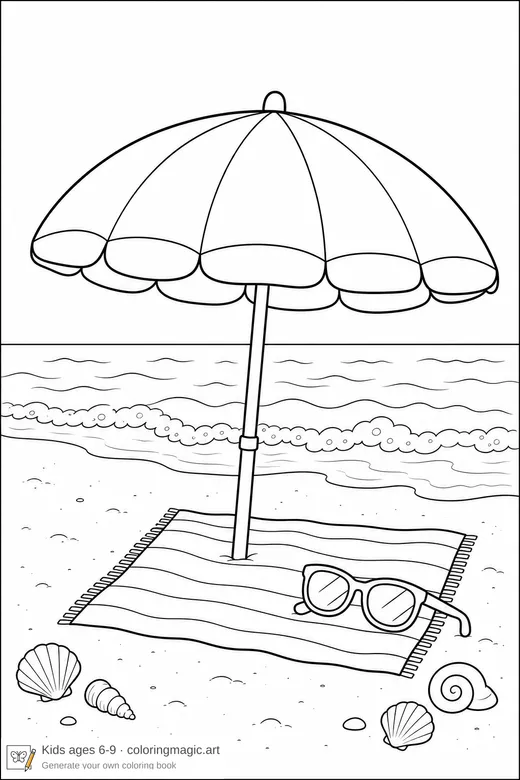
More detail to keep kids engaged.
Download PDF Opens in new tab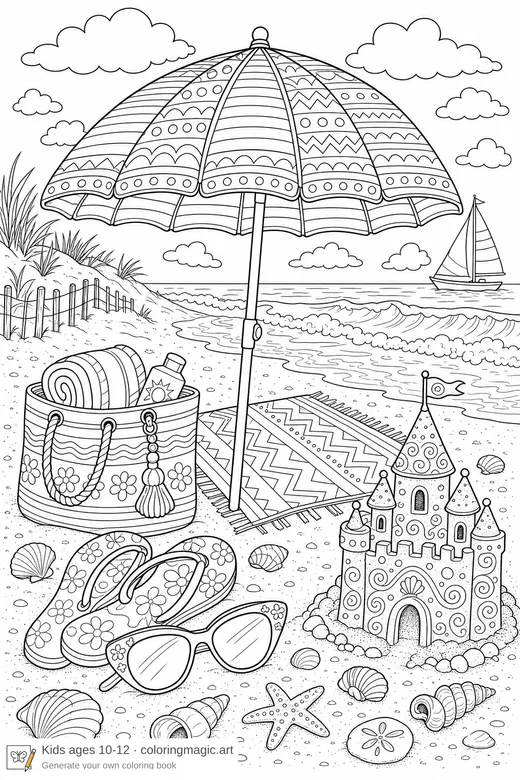
Complex scenes for older kids.
Download PDF Opens in new tab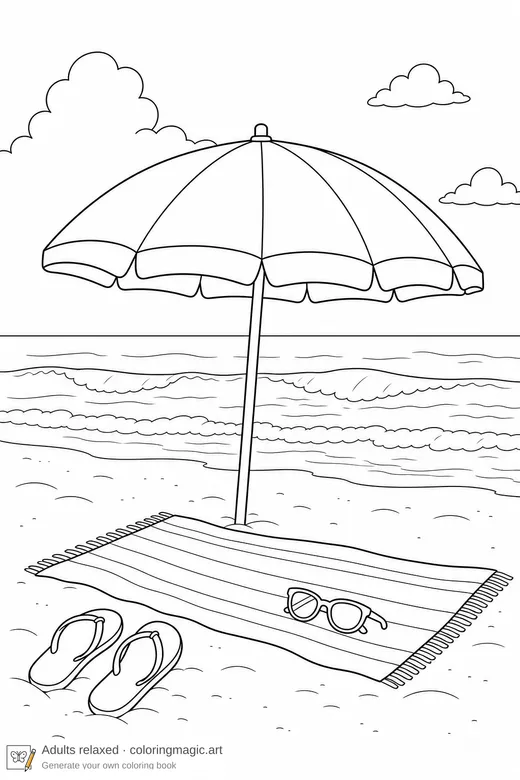
Flowing shapes for a calming coloring session.
Download PDF Opens in new tab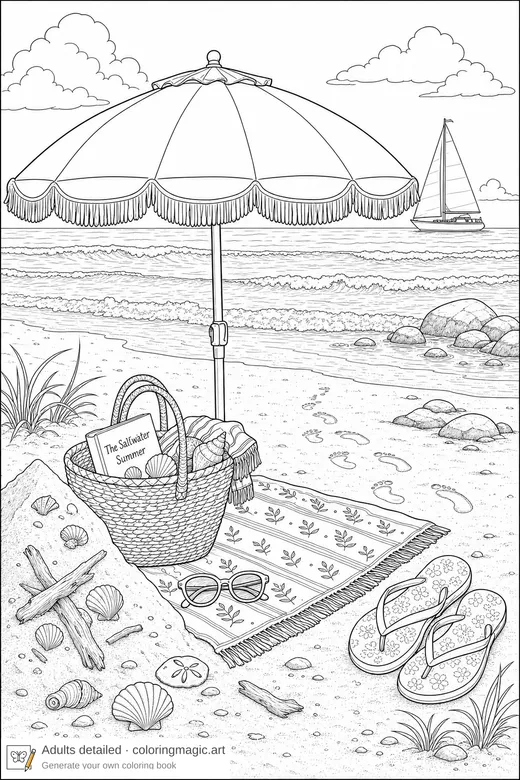
Complex line work with some textures for focused coloring sessions.
Download PDF Opens in new tabImage models
Pick the look and the budget when you create the book. GPT Image 2 is the default; token cost per page is listed on pricing.
Yes. Describe the theme once — a topic, a short story, or a mascot in different scenes. The wizard drafts matching page prompts so you get a coherent set instead of one-off pages. You review and edit them before anything is generated. Read the step-by-step guide.
Sign in, open Create with AI, and describe one idea. The wizard drafts a prompt for every page — you can attach photos or a character sheet, edit the list, then generate and download images separately or a print-ready PDF. Read the step-by-step guide.
Yes. Attach a photo as a reference image, then describe what to keep or change — simplify the background, empty it, or restage the same subject. The result is printable coloring-page line art, not a photo filter. See how to turn photos into coloring pages.
Yes. Attach a character sheet as a reference image once, then describe each new scene. The same face and markings stay consistent across a story, a paper-doll set, or branded mascot coloring pages. See how to keep characters consistent.
Choose from 9 leading models: GPT Image 2, GPT Image 2.5 Flare, GPT Image 2.5 Sunburst, Grok Imagine, Grok Imagine 2.0, Grok Imagine Quality, Gemini 3.1 Flash Image, Gemini 3 Pro Image, Seedream 5.0 Pro. GPT Image 2 is the default. Token cost depends on the model and quality settings you pick in the book wizard. See token costs by model.
Simple token packages — 1,000 tokens for €10, 2,500 for €25, or 5,000 for €50. Each coloring page costs 2–108 tokens per image depending on model and settings. Attached reference images add a small extra cost per generated page; Seedream 5.0 Pro does not charge for the first reference. See pricing details. Read the pricing guide.
Yes. Download free weekly sample PDFs by age group to preview line quality and layout — no account required. You can also visit our blog for examples, tips, and step-by-step guides. Browse sample downloads. See what is free. Visit the blog.
Sign in, open Pricing, choose a token package, and complete checkout with Stripe. Tokens are added to your balance right away. Go to pricing.
Yes. Checkout is handled by Stripe — we never store your card number; card details go directly to Stripe. The only payment information we keep is what appears on your invoice (billing name, address, amounts, and payment reference), used solely for VAT tax calculation. As a small Austrian business, VAT is 0% on all purchases. Read our privacy policy.
A few minutes to describe and generate. Download images or a PDF when the pages are ready.
Books export as a single PDF in vertical (A4 portrait), horizontal (A4 landscape), or square layout. You can also download the images separately, including high-resolution files for print.
Not at all. Describe your idea in your own words — we will handle the rest.
Yes. Signed-in users can open Account History to review every token purchase and see how tokens were used across coloring books — including spend and refunds per project. You can download a PDF summary anytime. View account history. Read the account history guide.
Yes — use your books for personal or commercial projects. See our IP rights page for details. Read IP and output rights.
Yes. If a page fails because of a technical problem on our side — such as a model crash, timeout after retries, or a service error — the tokens for that attempt are automatically returned to your balance. No support ticket needed. See refund details.
If a page cannot be generated because your request breaks our content policy, tokens for that attempt are not refunded. That includes inappropriate, sexual, violent, or otherwise prohibited prompts. Keep your ideas family-friendly, rephrase, and try again. Read our content policy.
Open Account settings and choose Remove my profile. Your projects are archived and you are signed out. You can sign back in later to reactivate your account — any unused tokens stay on your balance. Open account settings.
Our getting started guides cover pricing, the book wizard, token usage, and workflows to get better results. The blog has more examples and prompt ideas. Browse getting started guides.
From your first sentence to the final sheet
One idea, a photo, or a character sheet. Download a custom print-ready PDF in minutes.


